How to Stop Doomscrolling: 7 Habits That Actually Work
Learn how to stop doomscrolling with 7 habits that hold up on a tired night: stopping cues, a phone bedtime, one weekly feed check-in. Get your evenings back.
 Andrea Marino10 min read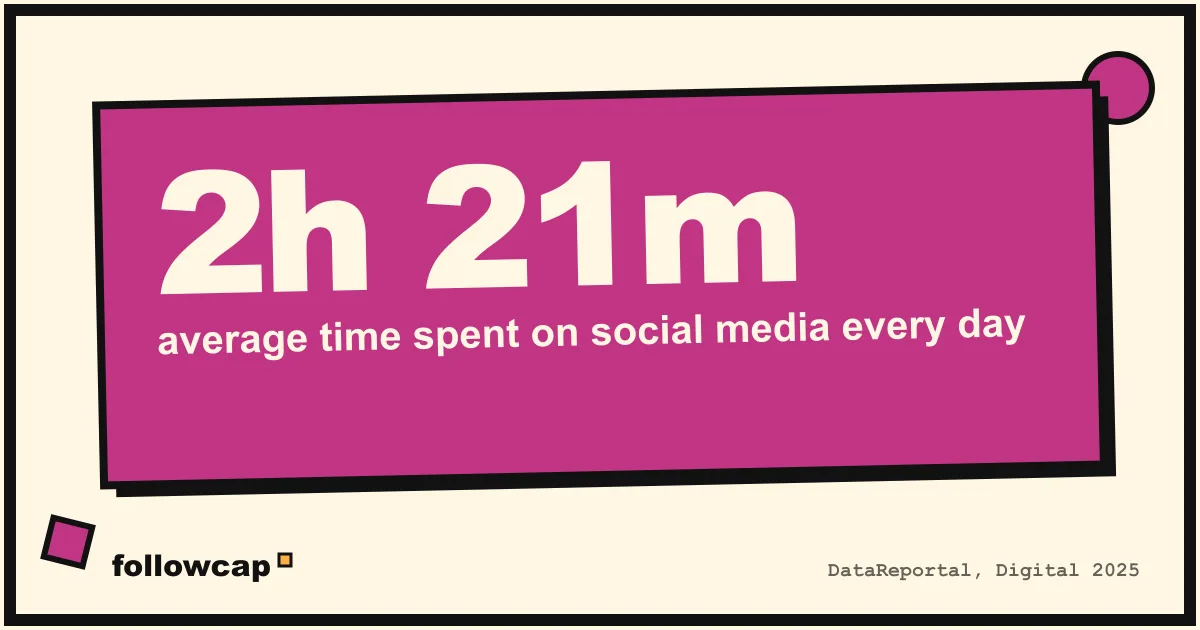
Doomscrolling is what happens when you open an app for a minute and look up forty minutes later, feeling worse than when you started. If you want to know how to stop doomscrolling without throwing your phone in a drawer, this guide gives you seven habits that hold up on a tired Tuesday night, not just on a motivated Monday. Each one takes less than ten minutes to set up.
Quick answer: to stop doomscrolling, give your feed a stopping cue (a timer or a hard app limit), make the phone less rewarding (grayscale, notifications off), keep it out of the bedroom, and move the daily scroll into one planned weekly check-in. Expect a few relapses. The goal is fewer and shorter sessions, not zero.
What does doomscrolling mean?
Doomscrolling means scrolling through an endless stream of content, often bad news or other people’s highlights, long after it stopped being useful or enjoyable. The word took off in 2020, but the behavior is older than that. It is the “just one more” loop: you keep going because the next post might be the one that makes you feel better, and it never quite is.
It is not the same as using your phone a lot. Watching a tutorial for an hour is a choice. Doomscrolling is the part you did not choose, and that is what the habits below target.
Typical signs you are doomscrolling rather than browsing:
- You feel worse afterwards, not better: anxious, flat, or annoyed with yourself.
- You lose track of time, and the session is much longer than you planned.
- You open the app without a reason, often while doing something else.
- It clusters at specific moments: in bed, on the toilet, while waiting, after a hard conversation.
Why is doomscrolling so hard to stop?
If willpower were enough, you would have stopped already. Doomscrolling is hard to stop because the feed is built around three mechanisms that work against you, and you are usually fighting them when you are at your most tired.
1. Variable rewards. Most posts are boring. Every so often, one is funny, useful, or outrageous. You cannot predict which, so you keep pulling. That is the same reward schedule a slot machine uses, and it is far better at holding attention than a steady stream of good content would be.
2. The infinite feed. A newspaper ends. A TV episode ends. A feed does not. There is no natural moment where the content says “that’s it, go to bed”.
3. No stopping cue. Habits need a trigger to start and a cue to stop. The feed has a hundred triggers (boredom, a buzz, a free hand) and zero stopping cues. So the session only ends when something external interrupts it: someone talks to you, the battery dies, or you fall asleep.
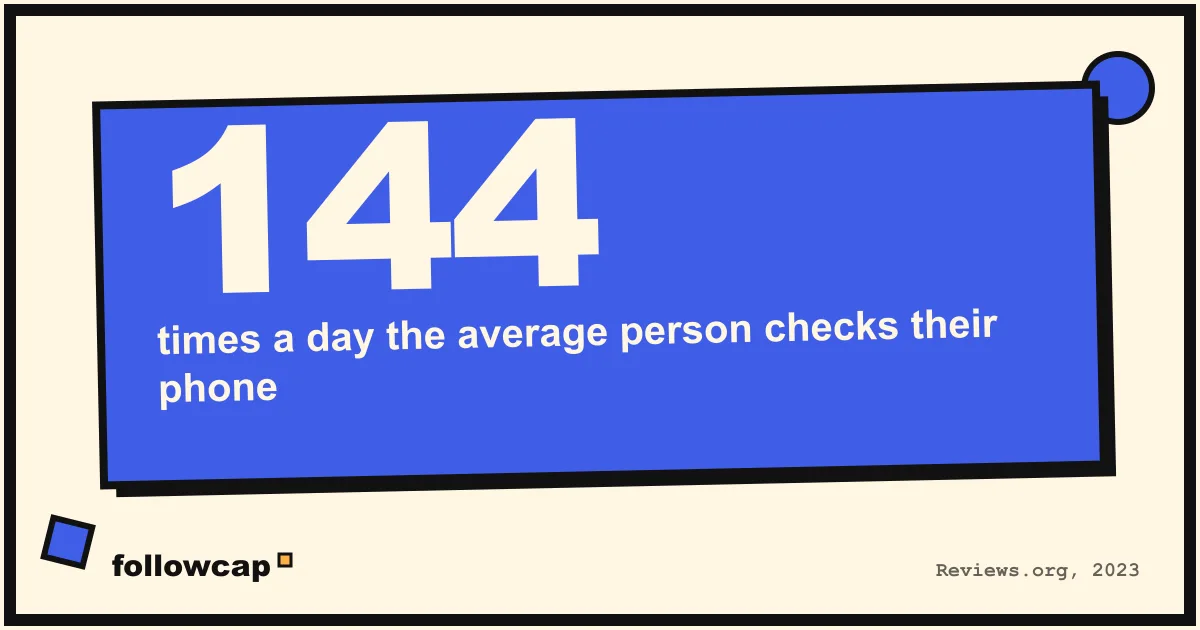
People check their phone around 144 times a day, according to a 2023 Reviews.org survey of US adults. Research by Gloria Mark at UC Irvine puts the average attention span on a screen at about 47 seconds before switching to something else. And worldwide, people spend about 2 hours 21 minutes a day on social media (DataReportal, Digital 2025). None of that is a character flaw. It is a design outcome, and you fix design problems with design, not guilt.
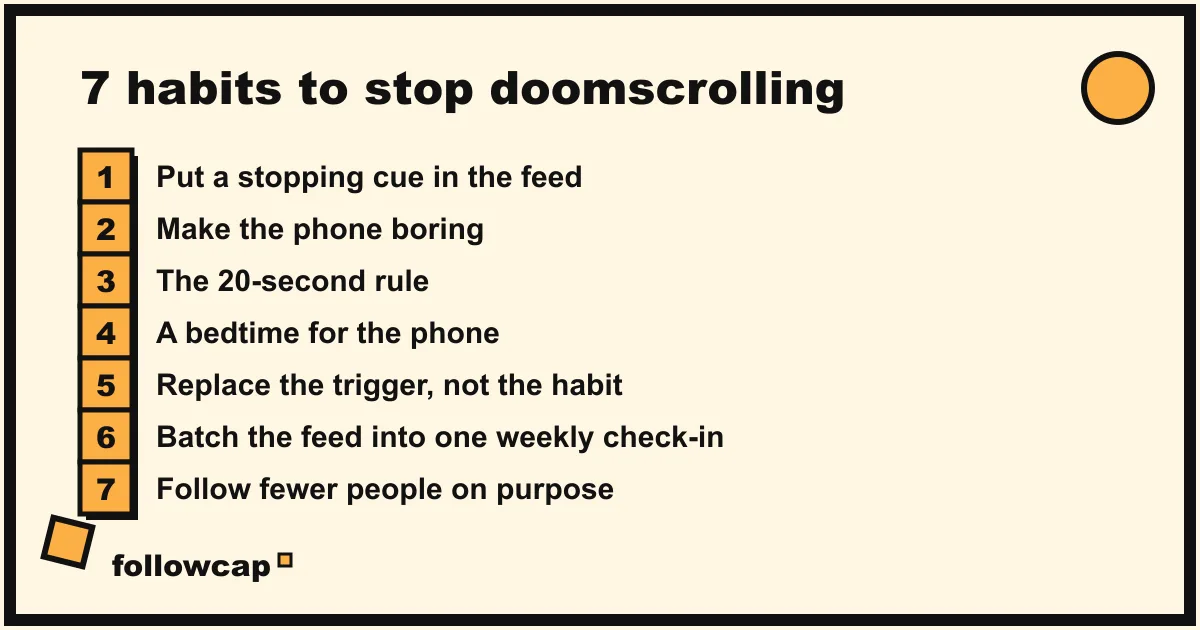
How to stop doomscrolling: 7 habits that actually work
These habits are ordered from quickest to deepest. You do not need all seven. Most people get a noticeable drop from the first three plus one of the last two. Pick what fits your life, set it up today, and give it two weeks before judging.
1. Put a stopping cue in the feed
Since the feed will never tell you to stop, you have to add the signal yourself. The simplest version: set an app limit of 20 or 30 minutes a day in iOS Screen Time or Android Digital Wellbeing. You will ignore it sometimes, and that is fine. Its job is not to lock you out but to interrupt autopilot with a question: “Do I want to keep going?” Once asked, the answer is usually no.
If a system limit feels too weak, apps like one sec or ScreenZen add a short pause before the app opens. We compare them in our guide to the best apps to limit social media.
2. Make the phone boring
The feed is colorful on purpose. Turn your screen to grayscale (Accessibility settings on both iOS and Android) and notice how much less inviting it looks. Then move Instagram, TikTok and X off the home screen into a folder on the last page, so opening them requires a deliberate search instead of a reflex tap. Finally, turn off every notification that does not come from a human you know. Likes, “someone you follow posted”, and “trending now” are not messages. They are invitations to scroll.
3. The 20-second rule
Make the scroll take 20 seconds longer to start, and make the alternative 20 seconds easier. Log out of the app after each session, so you have to type a password. Keep the phone in another room while you work. Put a book on the pillow and the charger in the kitchen. Twenty seconds is enough for the impulse to pass, and too little to feel like a punishment.
4. A bedtime for the phone
Late night is when most doomscrolling happens, because your self-control is lowest and nothing else is competing for your attention. Give the phone a bedtime that is 30 to 60 minutes before yours. Charge it outside the bedroom, buy a cheap alarm clock, and use Do Not Disturb with exceptions only for the people who might genuinely need you.
If you cannot leave the phone outside, start with “no feed apps in bed” and keep podcasts or a reading app. Stopping scrolling at night is the habit with the biggest effect on how you feel the next day, so it is worth a little discomfort.
5. Replace the trigger, not the habit
Every scroll session starts with a trigger: a feeling (bored, anxious, lonely, avoiding a task) plus a moment (waiting, in bed, on the sofa). You cannot delete the feeling. You can plan what you do when it shows up.
Write down your three most common triggers and pick one replacement for each. For example:
| Trigger | What you used to do | What you do instead |
|---|---|---|
| Waiting in a queue | Open Instagram | Open a read-later app with saved articles |
| Avoiding a hard task | Open X “for a second” | Write the first sentence of the task, badly |
| In bed, can’t sleep | Scroll until exhausted | Audiobook with a 20-minute sleep timer |
The replacement has to be at least a little rewarding, or you will skip it. “Stare at the wall” never wins against a feed.
6. Batch the feed into one weekly check-in
Here is the habit most people skip, and the one that changes the most. Instead of checking the feed in small doses all day, pick one fixed slot per week, say Sunday at 10am, and give it a real amount of time, like 30 to 45 minutes. During the week, the feed is closed. On Sunday, you catch up on purpose. Most of what you were “keeping up with” will not matter by Sunday, and what does matter is still there.
If the reason you keep opening Instagram is a handful of creators you genuinely learn from, a weekly recap removes the last excuse. Followcap, for example, sends one Sunday email with a short summary of what the creators you choose posted that week, the three posts worth your time, and a few lines on each post with its link, with no Instagram login or password needed. For example, 10 creators post about 58 reels, posts and stories a week, roughly 12 hours of scrolling to keep up with, and the recap takes about 5 minutes to read. You can see how it works at followcap.com or start the 7-day free trial. It is not for everyone: if you follow 300 accounts for the vibe, a recap of 10 will not replace that.
7. Follow fewer people on purpose
The feed is only as noisy as your follow list. Go through it once, honestly, and ask of each account: “If this person stopped posting, would I notice in a month?” If not, unfollow or mute. Aim to cut by a third. Then make a short list of the accounts you would miss, 10 to 20 at most, and treat that as your real feed.
Fewer follows means the feed runs out faster, which is a stopping cue in itself, and it makes a weekly check-in realistic. A fuller version of this clean-up is week four of our 30-day social media detox plan.
How to stop doomscrolling again after a relapse
You will relapse. A bad news day, a breakup, a long wait at the airport, and suddenly you are 40 minutes deep at 1am. This is not a failure of the method. It is what habits do under stress.
What matters is what you do the next morning:
- Do not punish yourself with a harder rule. “No phone for a week” after a relapse almost always ends in a bigger relapse. Go back to the same rules you had.
- Find the trigger. Which feeling and which moment opened the door? Add it to your trigger table from habit 5 with a replacement.
- Repair the stopping cue. If you blew past an app limit, make it slightly harder to ignore: a pause app, a different passcode, the phone in another room at night.
- Count sessions, not minutes. A relapse that ends one session is a success compared with the old daily pattern. Track how many scroll sessions you had this week versus last week, and ignore the rest.
The second month is usually much easier than the first, because relapses get shorter and recovery gets faster. For more small changes to the phone itself, see our list of ways to spend less time on your phone.
FAQ
Why do I doomscroll even when I know it makes me feel worse?
Because the feed rewards you unpredictably, and unpredictable rewards are stronger than predictable ones. You are not scrolling for the content you are seeing. You are scrolling for the content that might come next. Knowing it is bad for you does not change the reward schedule; changing the setup does.
Is doomscrolling bad for your mental health?
For many people, long scroll sessions, especially at night or during stressful news cycles, go with worse sleep, more anxiety and a lower mood the next day. The effects differ a lot from person to person, so run your own test: compare how you feel after a 40-minute session with how you feel after a 40-minute walk.
How do I stop scrolling at night?
Give the phone a bedtime earlier than yours, charge it outside the bedroom, and replace the scroll with something that still feels like a reward: an audiobook, a podcast with a sleep timer, or a paper book. If you must keep the phone close, log out of the feed apps at night and keep only the ones that do not scroll.
Does deleting social media apps stop doomscrolling?
Sometimes, for a while. Most people reinstall within a few weeks, because the reason they opened the app is still there. Deleting works best as one step in a plan that also replaces the trigger and gives you a weekly way to keep up with the people you care about.
How long does it take to break the scroll habit?
Expect two to four weeks before the reflex to reach for the phone weakens noticeably, and a couple of months before the new pattern feels normal. Relapses in that window are typical and do not reset the clock.
The bottom line
Learning how to stop doomscrolling is mostly about design, not discipline. Add a stopping cue, make the phone duller and slower to open, give it a bedtime, and plan what you will do when the usual trigger hits. Then move the feed into one weekly check-in and follow fewer people, so there is less to keep up with in the first place. If a few creators are the reason you keep going back, a weekly recap like Followcap lets you keep what they teach and lose the scroll. Start with the three habits that feel easiest, and give them two weeks.