How to Spend Less Time on Your Phone: 10 Ways That Stick
How to spend less time on your phone without deleting Instagram: 10 practical ways, from grayscale and app timers to a weekly recap. Win back an hour a day.
 Andrea Marino10 min read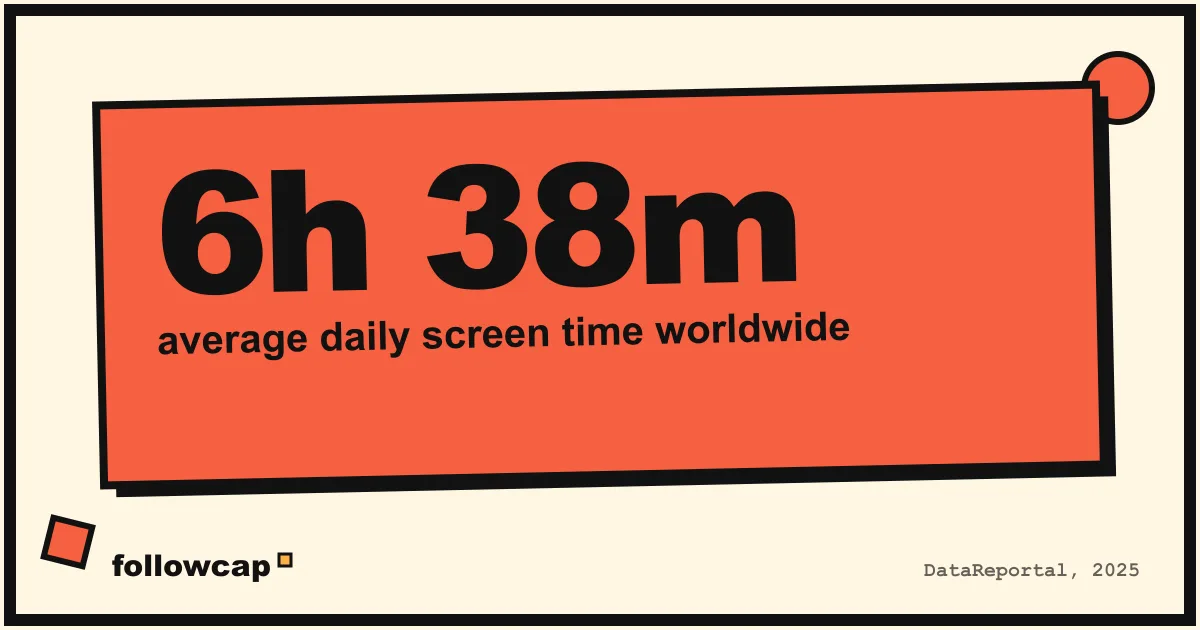
You do not have to delete Instagram to get your time back. This is a practical list of how to spend less time on your phone: ten changes to the phone, the apps and your routine, each with its trade-off, so you can pick the three that fit your life. Most take under five minutes to set up.
Quick answer: to spend less time on your phone, make it less rewarding (grayscale, no home-screen feeds, notifications only from people), add friction where you overuse it (charge it outside the bedroom, no phone for the first 30 minutes), and replace daily scrolling with one check-in a day or one recap a week. Track one number weekly to see the change.
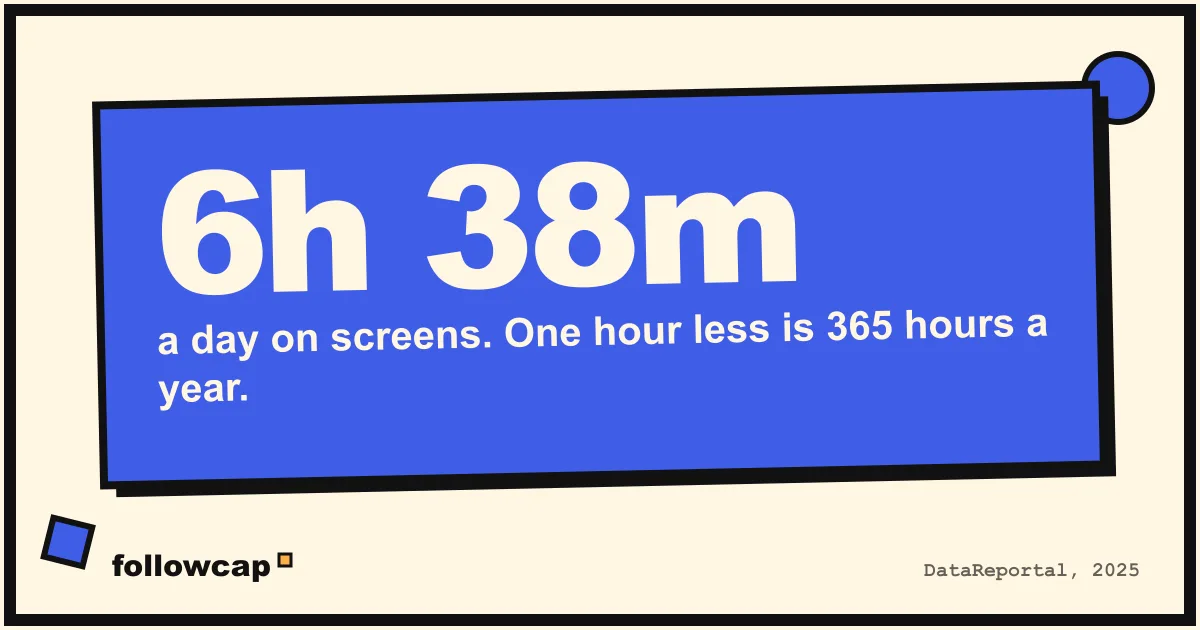
Average daily screen time worldwide is about 6 hours 38 minutes (DataReportal, 2025), and about 2 hours 21 minutes of that is social media (DataReportal, Digital 2025). You do not need to get to zero; one hour less a day is realistic for most people, and we show what it adds up to at the end.
Why “just delete the apps” fails for most people
Deleting the apps is the advice everyone gives and almost nobody keeps. Here is why it fails:
- The reason you opened the app is still there. Boredom, waiting, avoiding a task, wanting to see what a few specific people posted. Delete the app and the reason finds another outlet: the browser version, a different app, or a reinstall.
- It is all or nothing. The first time you need the app for something real (a message, a work account, a friend’s event), you reinstall it, and the full habit comes back with it.
- It removes the good with the bad. Many people follow a handful of accounts they genuinely learn from. Losing those feels like a real cost, so the deletion does not last.
The ten ways below keep the apps and change how often, how long and why you open them. If you want a structured reset instead, the 30-day social media detox plan is the longer version of this list.
How to spend less time on your phone: 10 ways
Each way comes with “works best if” and “watch out for”, because none of them suits everyone.
1. Turn the screen to grayscale
Color is a reward. Icons, photos and reels are designed to pull the eye, and in black and white they simply do not. On iOS it is under Accessibility, Display and Text Size, Color Filters; add it to the Accessibility Shortcut so a triple-click of the side button toggles it. On Android, look in Digital Wellbeing (Bedtime mode) or Accessibility (Color correction).
- Works best if your use is mostly visual apps: Instagram, TikTok, YouTube Shorts.
- Watch out for photos and maps looking odd. Use the shortcut to switch color on when you need it.
2. Remove apps from the home screen
Your home screen is a menu. Move every feed app into a folder on the last page, or off the home screen entirely so you have to search for it by name. Keep the home screen for tools: maps, camera, notes, messages, calendar.
- Works best if you open apps by reflex without deciding to.
- Watch out for the search bar becoming the new reflex. If you find yourself typing “ins” twenty times a day, pair this with a pause app from way 5.
3. Notifications off, except from humans
Turn off every notification that is not a direct message from a real person: no likes, no “someone posted”, no “you have memories”, no news alerts, no shopping deals. On both iOS and Android you can do this per app in a few minutes.
Research by Gloria Mark at UC Irvine suggests it takes about 23 minutes to fully refocus after an interruption. The notifications that pull you into a feed cost far more than the few seconds they seem to take.
- Works best if you check your phone because it buzzed, not because you wanted to.
- Watch out for group chats. They are humans, but 200 messages a day from a group is still a feed. Mute the busy ones and check them on your schedule.
4. A charging spot outside the bedroom
The last hour before sleep and the first minutes after waking are the two moments most people lose to the phone, and charging it outside the bedroom removes both. Buy a basic alarm clock and put the charger in the kitchen or hallway.
- Works best if you scroll in bed or wake up and reach for the phone before you are fully awake.
- Watch out for real needs: on-call work, a sick child. Keep the phone in the room on Do Not Disturb with exceptions for those people, but out of arm’s reach.
5. App timers with a real limit
Set a daily limit for your top two or three apps in Screen Time (iOS) or Digital Wellbeing (Android). The important word is “real”: a 3-hour limit on an app you use for 2 hours changes nothing. Set it to about half your current use and hold it for two weeks before tightening further.
The built-in limits are easy to skip with one tap. If you tap “Ignore limit” every day, add a pause app like one sec or ScreenZen, which makes you wait a few seconds before the app opens. We compare the options in our guide to the best apps to limit social media.
- Works best if you are fine with a nudge and do not need a hard lock.
- Watch out for limits becoming background noise. A limit you have skipped ten days in a row is not a limit; lower the number or add friction.
6. No phone for the first 30 minutes
Whatever you look at in the first half hour sets the tone for the morning; if it is a feed, you start the day reacting. Keep the phone where it charged until you have done the first three things of your morning: water, bathroom, coffee, whatever they are.
- Works best if you want more focus at the start of the workday.
- Watch out for replacing the phone with the laptop. The rule is “no feeds and no inbox for 30 minutes”, whichever screen they are on.
7. One feed check-in per day
Instead of checking Instagram, TikTok or X in small doses all day, pick one fixed window, for example 20 minutes after dinner, and do all of your scrolling then. Outside the window, the apps stay closed. People check their phone about 144 times a day (Reviews.org, 2023); the goal here is not fewer minutes at first, but far fewer sessions. Sessions are what break your attention.
- Works best if you want to keep using social media but on your terms.
- Watch out for the window stretching. Set a timer, and end the session when it rings, mid-scroll if necessary. That is the stopping cue the feed will never give you.
8. A weekly recap instead of daily scrolling
For many people, the reason they keep opening Instagram is not the feed in general but five or ten specific creators they do not want to miss. If that is you, you need to see what those people posted once a week, without the rest of the feed around it.
Followcap does exactly this: one Sunday email with a 30-second summary of what the creators you choose posted that week, the three posts you should not miss, and a few lines on every post with its link, and it needs no Instagram login or password. For example, 10 creators post about 58 reels, posts and stories a week, which is roughly 12 hours of scrolling to keep up with; the recap takes about 5 minutes to read. It starts at 9 euros a month with a 7-day free trial, and you can see how it works at followcap.com or start the trial.
- Works best if you follow a short list of people for ideas, skills or inspiration rather than for the live feel of the feed.
- Watch out for using the recap as well as the daily scroll. The point is to replace, not add.
9. A phone-free default for meals and walks
Pick two kinds of moments where the phone is simply not present: meals and walks are the easiest, because they have clear starts and ends. The phone stays in a pocket, a bag or another room, not face-down on the table. Face-down on the table still gets picked up.
- Works best if you want to feel a difference quickly: meals get longer and walks get calmer within days.
- Watch out for the “I just need it for music” exception. Use it, but put the phone away once the playlist starts.
10. Track one number weekly
Pick one number, and only one: total screen time, time in your top app, or number of pickups. Write it down each Sunday. Daily numbers bounce around and make you feel bad for no reason; weekly numbers show the trend.
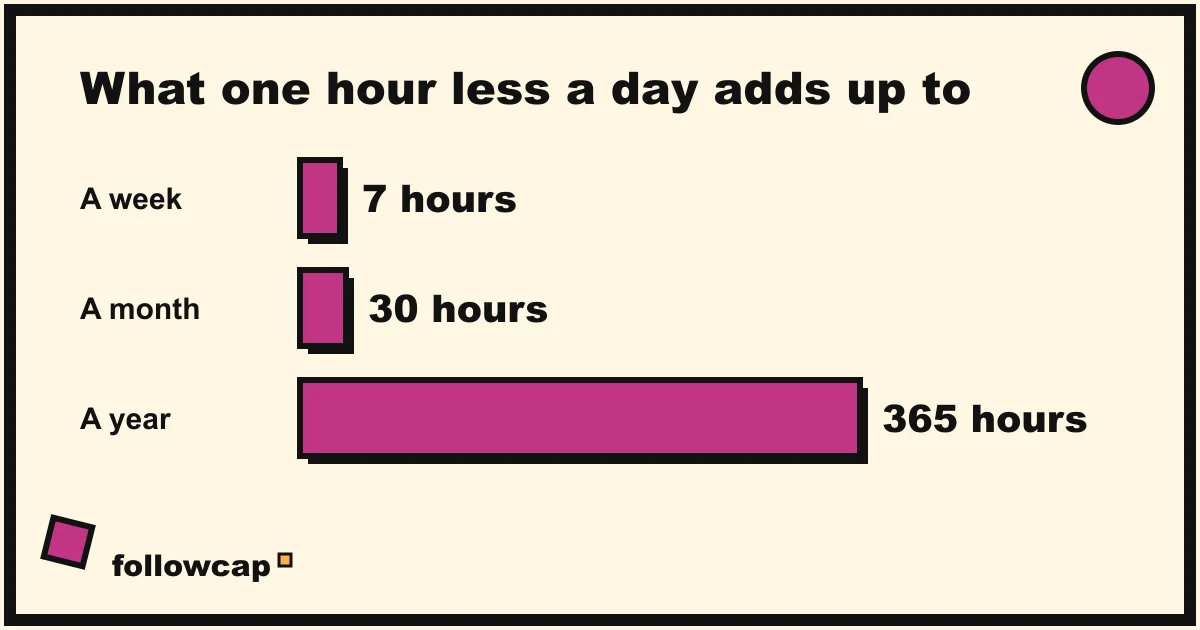
One hour less a day is a realistic target within a month, and it adds up to about 7 hours a week, 30 hours a month and 365 hours a year, more than nine working weeks. You will not feel it day to day, which is exactly why the weekly number matters.
- Works best if you like seeing progress and respond well to a simple scorecard.
- Watch out for chasing the number for its own sake. A low screen-time week in which you were miserable is not a win.
How to spend less time on your phone: pick 3 of the 10
Trying all ten at once is the fastest way to abandon all ten. Pick three, based on when you lose time:
| Where your time goes | Start with |
|---|---|
| In bed, at night or first thing | 4 (charging spot), 6 (first 30 minutes), 1 (grayscale) |
| In small gaps all day | 3 (notifications), 7 (one check-in), 2 (home screen) |
| Keeping up with specific creators | 8 (weekly recap), 7 (one check-in), 10 (track one number) |
| Mindless scrolling you cannot explain | 5 (app timers), 1 (grayscale), 9 (phone-free meals) |
Run your three for two weeks, check your one number, and then add a fourth if you want. If you are specifically fighting late-night sessions, our guide on how to stop doomscrolling goes deeper on that one moment.
FAQ
How much phone time per day is too much?
There is no medical threshold. Look at your weekly Screen Time report and ask how much of it you would have chosen in advance. If the gap is more than an hour a day, you have room to improve, whatever the total.
Is it better to delete social media or limit it?
For most people, limiting lasts longer than deleting, because the reasons you used the app survive the deletion and lead to a reinstall. Try limits first; if you skip every limit for a month, deleting one app for a set period is a fair next step.
Does grayscale really reduce screen time?
For many people it noticeably reduces the pull of visual apps like Instagram, TikTok and YouTube, and does less for text and messaging. It is cheap to test: switch it on for a week and compare your top-app time with the week before.
How can I reduce screen time without missing important things?
Separate the important things from the feed. Messages from people stay on; everything else goes to a scheduled check-in, a newsletter, or a weekly recap. Then closing the feed stops feeling like a risk.
How long does it take to break a phone habit?
Most people notice the reflex weakening after two to three weeks, and the new pattern feels normal after about two months. Keep the setup changes in place, and the habit rebuilds itself after a bad week.
The bottom line
Knowing how to spend less time on your phone is mostly about changing the phone, not your personality. Make it duller and quieter, keep it out of the bedroom and off the table, give the feed one window a day, and track a single number each week. If a few creators are the reason you keep going back, a weekly recap like Followcap lets you keep what they share and drop the daily scroll. Pick three ways, run them for two weeks, and let the Sunday number tell you what to do next.