How to Follow Instagram Accounts Without an Account (2026)
Can you follow Instagram without an account? Here is what you can see logged out as of 2026, why viewer sites are risky, and four ways that hold up over time.
 Andrea Marino10 min read
Maybe you deleted Instagram and do not want to go back. Maybe you never had it and a few creators you like only post there. Either way, you want to follow Instagram without an account: keep up with specific public profiles, over time, without signing up. This guide gives you the honest state of play as of 2026, explains why “anonymous viewer” sites are a bad idea, and lays out four ways that hold up.
Quick answer: you can glimpse a public Instagram profile in a web browser without logging in, but a login wall usually appears after a few posts, and it comes faster every year. For following accounts over time, you need another channel: the creator’s other platforms, a weekly recap email that works from public usernames, or a minimal read-only account of your own.
What can you see on Instagram without logging in, as of 2026?
Less than you could a few years ago, and it is not consistent. Since 2023 Instagram has increasingly required a login to browse. Here is what happens in practice when you open a public profile in a browser with no account:
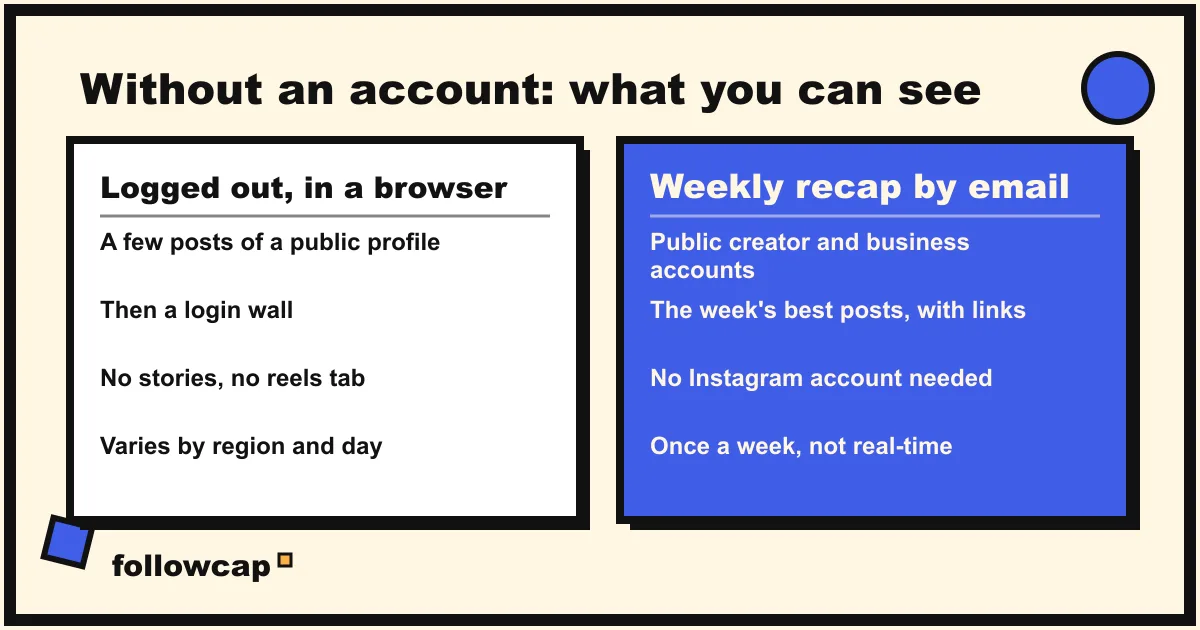
- The profile page may load. You will often see the bio, follower count, number of posts and the first rows of the grid.
- Then the login wall appears. Scroll down, tap a post or move to a second profile, and a sign-up prompt covers the page. Sometimes it appears on the first load.
- Behavior varies. What you see depends on your region, your device and the day. We have opened the same profile from two laptops in the same room and got the grid on one and the wall on the other.
- Private accounts show nothing. Without an account you cannot request to follow, so private profiles are out of reach.
So the logged-out browser view is fine for a one-off look and useless as a way to keep up with someone week after week.
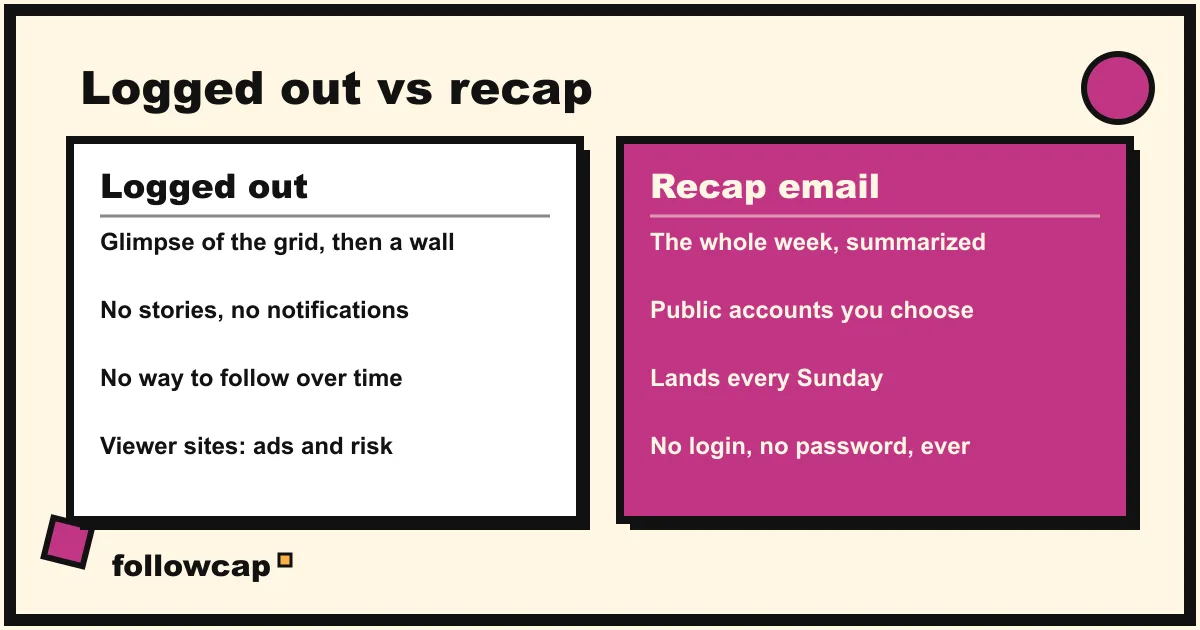
The comparison that matters is logged out versus a channel built to deliver public posts to you. That is the gap the four methods below fill.
Why are Instagram “viewer” sites a bad idea?
Search for “view Instagram without an account” and you will find websites promising anonymous profile and story viewing. We looked at a dozen while researching this article and would not use any, for four reasons. We are deliberately not naming them.
- They are unreliable by construction. They fetch Instagram’s public pages behind the scenes, so the same login wall that blocks you blocks them, and they break whenever Instagram changes something. Many simply show a spinner and then an error.
- Ads and worse. Most are funded by aggressive advertising, pop-ups and redirects. Some prompt you to install a browser extension or an app, and there is no way to know what that software does with your browsing. That is a real malware and privacy risk for a few photos.
- They go against Instagram’s terms. Automated access to Instagram outside its official tools is prohibited. If a site asks you to log in “to see more”, you are handing credentials to a stranger.
- They are a trap for your time. They recreate the feed in a worse interface, with more ads.
How can you follow Instagram accounts without an account? 4 ways
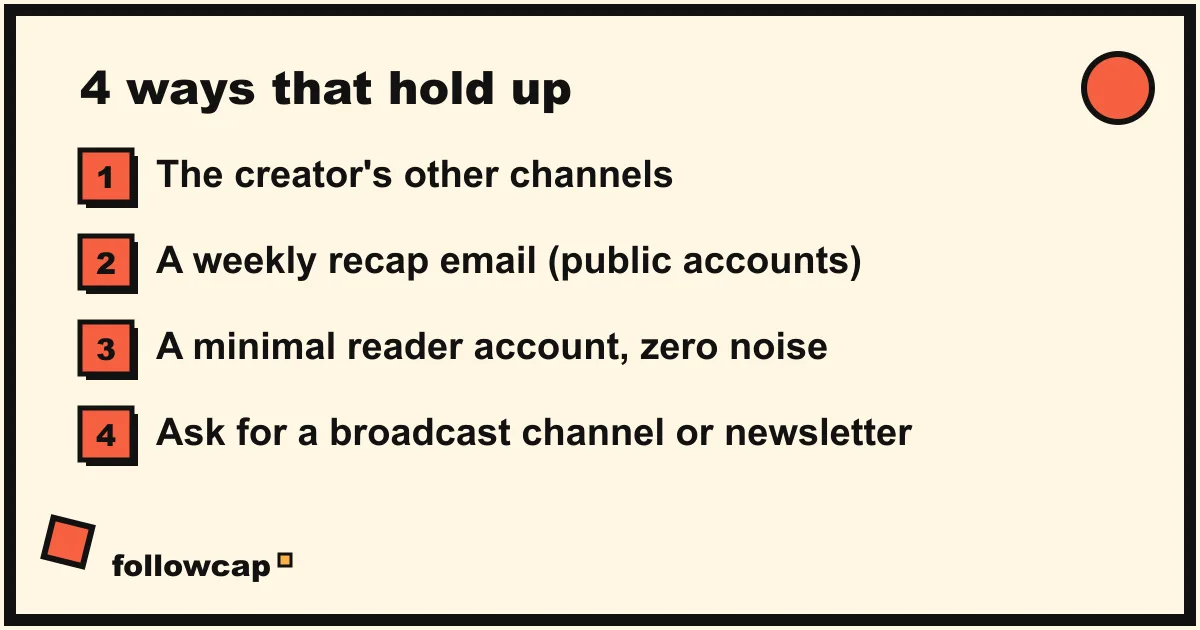
These four approaches work in 2026, ordered from “no account anywhere” to “a minimal account you control”.
1. Follow the creator’s other channels
Most creators who matter to you exist somewhere other than Instagram: a newsletter, a YouTube channel, a podcast, a blog. Their Instagram bio usually links to them, and the bio is one thing you can still see logged out.
Why it works: these channels are built to be followed without an account on anything. Newsletters go to your inbox. YouTube and podcasts have RSS feeds that work in any reader, no login needed.
The catch: the Instagram-only reels and daily posts will not be there. You get the creator’s longer work, which for some people is the better half anyway.
2. A weekly recap email for public accounts
This is what Followcap, our product, is built for, and it is the only method here that brings the week’s posts to you without an Instagram account. You type the usernames of the public creators you want to follow. There is no Instagram login, no password and no account of yours involved at any point. Every Sunday you receive one email on what those accounts posted that week: a 30-second summary, the three posts not to miss, a two or three line recap of the best posts from each account with their links, and a “what you can apply this week” note. The first recap arrives within 24 hours.
Why it works: the recap is delivered to you, so there is no login wall to hit and nothing to remember. For 10 creators that is about 58 reels, posts and stories a week, roughly 12 hours of scrolling to keep up with, read in about 5 minutes.
The catch, honestly: it is weekly, not real time. It covers public creator and business accounts only, so a private friend’s account is out of scope. Three creators are free with no card; beyond that it is paid after a 7-day free trial, from 9 euros a month for up to 10 creators. You can see how it works at followcap.com or start free. The post links open on Instagram, where the login wall may still appear; the recap itself is complete without clicking through.
3. A minimal “reader” account
Sometimes the practical answer to “without an account” is “with the smallest possible account”. If your real objection is to the feed, the notifications and the social pressure rather than to having a login at all, a stripped-down account solves most of it.
- Create an account with your own details, following Instagram’s rules, and skip the contact-syncing and “find friends” prompts. Keep the profile empty: no photo, no bio, no posts.
- Follow only your list. The 5 to 30 public accounts you actually want, and nobody else.
- Mark them all as Favorites. Then use the Favorites feed (tap the Instagram logo at the top left of the home feed) instead of the ranked feed. You can add up to 50 accounts.
- Turn every notification off, in the app and at the phone level, and use it on a schedule, for example once on Sunday.
Why it works: you get the complete Instagram experience for your chosen accounts, including stories and reels, with none of the social obligations.
The catch: it is still an Instagram account, so Instagram learns what you look at, and the ranked feed is one accidental tap away. The Favorites feed also resets to the ranked feed every time you open the app. We tested this setup for a month; it works, but it requires discipline that method 2 does not. For the broader approach, see how to keep up with Instagram without the app.
4. Ask the creator for a broadcast channel or newsletter
Creators generally want to reach you off Instagram, because the algorithm does not reliably show their posts to their own followers either. If a creator you like has no newsletter, send a short message through a channel you do share (their website contact form, YouTube comments, a podcast email) and ask whether they would consider one, or an Instagram broadcast channel.
Why it works: when it lands, you get a channel curated by the person themselves, which is better than any recap.
The catch: it works creator by creator, it depends on them saying yes, and even a creator with a newsletter rarely emails every post.
What can the creator see about you?
A common reason people want to follow without an account is privacy. Here is the picture for each method, as of 2026; check the current app, because details change.
- Logged out in a browser: the creator sees nothing about you. Instagram does not tell accounts who viewed their profile, and you have no identity on the platform.
- Weekly recap email: the creator does not see you as a follower, because you are not one.
- Minimal reader account: the creator can see your account in their followers list, any like or comment you leave, and your account in the viewer list of a story you watched. Instagram does not show them who viewed their profile or who watched a grid post or reel. To stay invisible, do not like, comment or watch stories.
- Their newsletter or other channels: they see your email address, like any newsletter, and nothing on Instagram.
Which way should you choose?
A quick rule of thumb from our own use:
- Zero accounts anywhere, fewer than five creators: method 1, their other channels, plus method 4 if someone you care about has none.
- The week of 5 to 20 public creators, no Instagram in your life: method 2, a weekly recap email, accepting that it is weekly and paid after the trial.
- Stories and reels in real time but none of the social noise: method 3, a minimal reader account with the Favorites feed and notifications off.
Many people combine 1 and 2: newsletters for the two or three creators who write good ones, a recap for the rest. If this is part of stepping away from social media more broadly, our stay up to date without social media guide and the 30-day social media detox plan cover the rest. If your question is really about email delivery, Instagram to email compares the options in detail.
FAQ
Can you view Instagram without an account in 2026?
Partly. A public profile may load in a browser with the bio and the first rows of posts, but a login wall usually appears as soon as you scroll, open a post or move to another profile. It varies by region and over time, so it is fine for a one-off look and not a way to follow someone.
Can you follow a private Instagram account without an account?
No. Private accounts require a follow request, which requires an account, and the owner has to approve it. No recap service or viewer site can show you a private account’s posts.
Is it against Instagram’s terms to use a recap service?
Reading public posts is what public accounts are for. A service that works from public usernames, without your login, is in a different category from tools that automate a logged-in account. Followcap only covers public creator and business accounts, and never asks for an Instagram login.
Will the creator know I am following them through a recap or a newsletter?
Through a recap, no: you are not a follower on Instagram and never appear in their lists. Through a newsletter, they see your email address, as with any mailing list.
Can I see Instagram stories without an account?
Not reliably. Stories are typically behind the login wall in a browser, and viewer sites that promise anonymous story viewing are the ones we warn against above. A minimal reader account lets you watch stories, but the creator can see your account in the viewer list.
Related reading
- How to Get Notified When Someone Posts on Instagram (5 Ways)
- How to See Someone’s Activity on Instagram (What Is Public in 2026)
- How to Monitor an Instagram Account: Yours, a Brand’s or a Creator’s
The bottom line
As of 2026, you can look at a public profile without logging in, but you cannot really follow Instagram without an account that way: the login wall is too frequent and the view too shallow. The durable options are the creator’s other channels, a weekly recap email like Followcap that works from public usernames and needs no login (weekly, public accounts only, paid after the trial), a minimal reader account with notifications off, and simply asking creators for a newsletter. Avoid viewer sites: they break, they are full of ads, and they put your privacy at risk. Pick the mix that matches how private you want to be and how many creators you follow.