How to Get Notified When Someone Posts on Instagram (5 Ways)
Learn how to get notified when someone posts on Instagram: the bell icon step by step, why alerts get noisy, and five ways to keep up compared by goal.
 Andrea Marino10 min read
There are a few accounts you never want to miss: a creator who drops a course once a year, a shop that restocks on random mornings, a friend who posts twice a month. The ranked feed will not reliably show you any of them. This guide covers how to get notified when someone posts on Instagram using the official bell icon, why those alerts become noise within weeks, and four other ways to keep up, so you can pick the one that fits your goal.
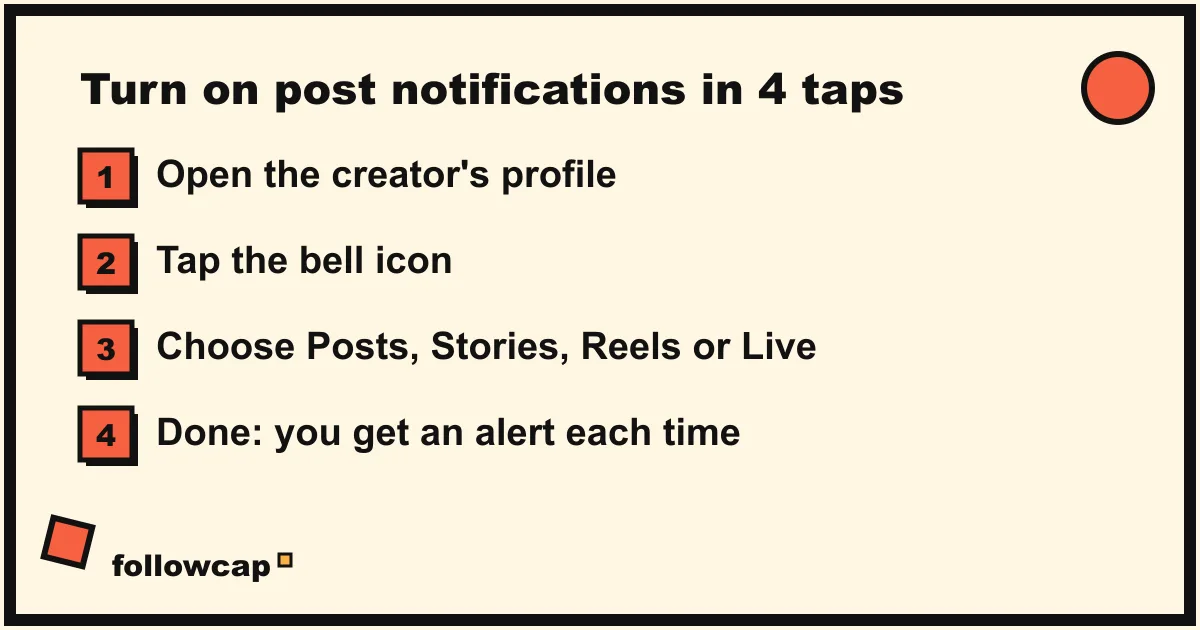
Quick answer: open the account’s profile, tap the bell icon at the top (or tap Following and then Notifications), and switch on Posts, Stories, Reels or Live. Instagram then sends you a push notification every time that account publishes. It works per account and in real time, which is exactly why it gets noisy if you use it for more than a few people.
How do you turn on post notifications for someone on Instagram?
The official way takes four taps and works for any account whose profile you can open. As of 2026 the steps are the same on iPhone and Android, though a label may differ slightly depending on your app version.
Step by step on iPhone and Android
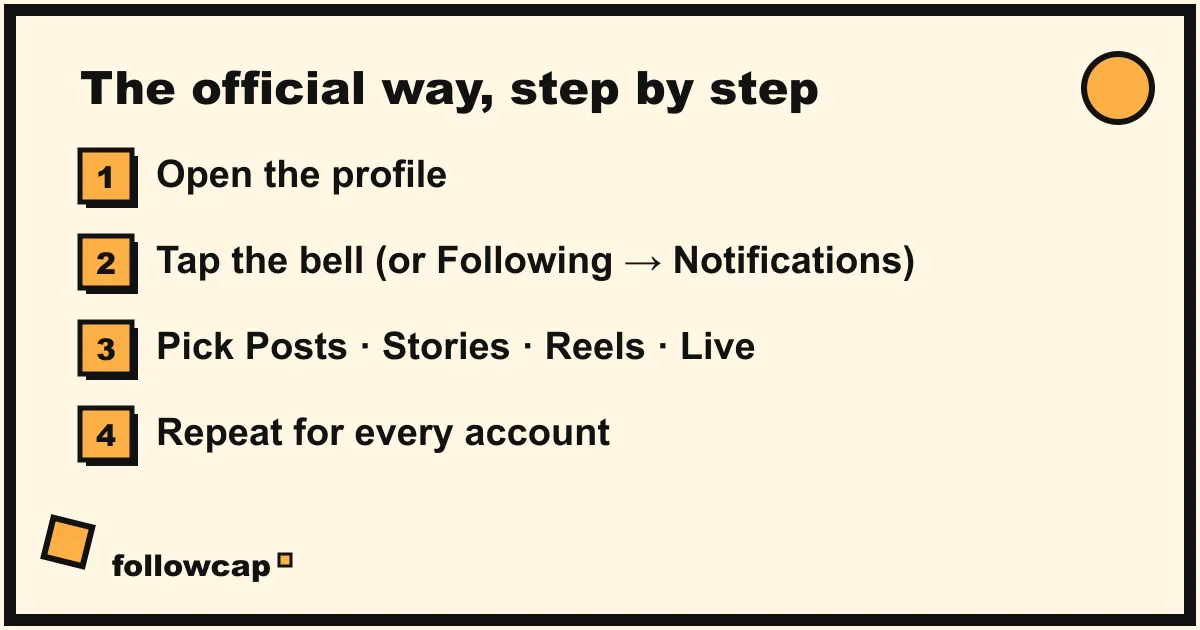
- Open the profile of the account you want alerts for. Search for the username or tap their name anywhere in the app.
- Tap the bell icon near the top of the profile. If you do not see a bell, tap the Following button and choose Notifications from the menu.
- Choose what you want to be told about. You will see separate switches for Posts, Stories, Reels and Live. Turn on only the ones you care about.
- Done. There is no save button. Leave the screen and the setting is active.
If nothing arrives after a day, check that Instagram is allowed to send notifications in your phone’s settings, and that notifications are not paused in Instagram’s own notification settings.
Posts, Stories, Reels, Live: what each switch does
- Posts alerts you when the account publishes a photo or carousel to its grid. This is the one most people mean by “notify me when they post”.
- Stories alerts you for every story, which can be many times a day. Stories disappear after 24 hours, so this is only useful if you will look the same day.
- Reels alerts you for each reel. Many creators post more reels than grid posts, so leaving this off can mean missing most of their output.
- Live alerts you when they start a live video. Useful for Q&As and launches.
A good default: Posts and Reels on, Stories and Live off. Then adjust per account.
Why do Instagram notifications get so noisy?
Post notifications are a per-account, real-time alarm. That is great for one account and a problem for ten. In our own test while building Followcap, we turned on Posts, Stories and Reels for eight creators we genuinely follow. By day three we were getting between fifteen and twenty-five buzzes a day. By the end of the second week we had switched most of them off.
Three things make it worse than it sounds:
- Every alert is an interruption, not just a message. Research by Gloria Mark at UC Irvine puts the time to get back on task after an interruption at about 23 minutes. Ten alerts a day is ten chances to lose a chunk of your afternoon.
- The alert opens the app, and the app opens the feed. You tap to see one reel and the ranked feed is waiting right behind it. A notification that was meant to save you time becomes a ten-minute scroll.
- You cannot batch them. Instagram does not offer a “send me everything at 6pm” option for post notifications. It is real time or nothing.
This is why the honest answer to “how do I get notified” is usually “for one to three accounts, use the bell; for everyone else, use something slower”.
What are the 5 ways to get notified when someone posts on Instagram?
Here are the five approaches that hold up, from the most immediate to the most relaxed.
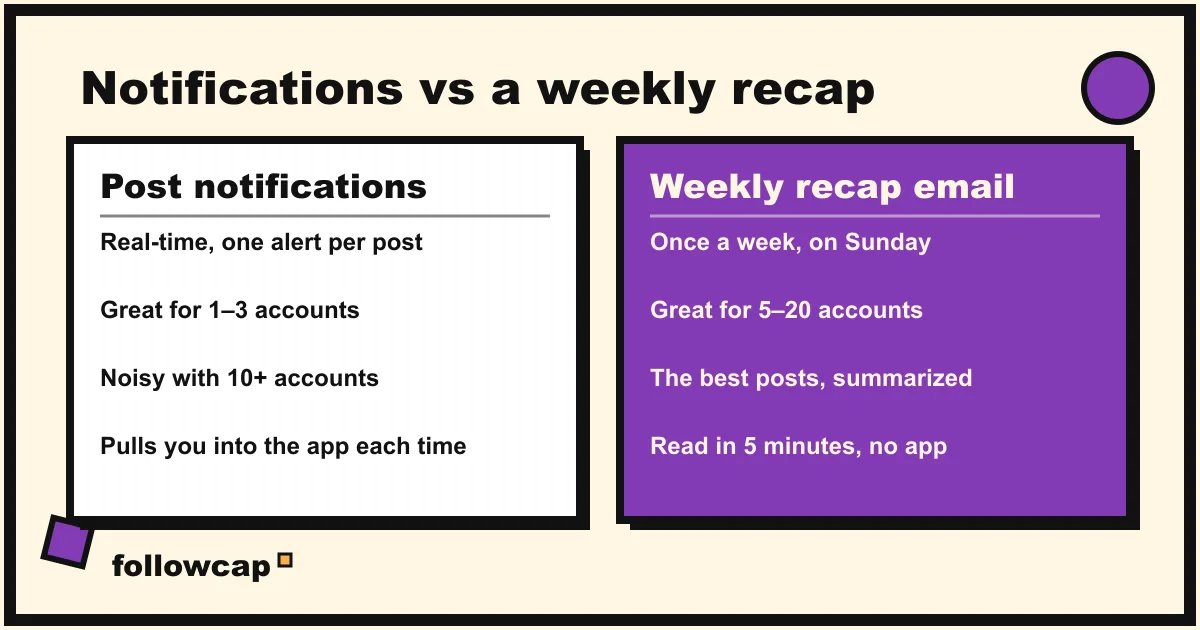
1. Post notifications (the bell icon)
What it is: the official per-account alert described above.
Best for: one to three accounts whose timing matters: a drop, a restock, a live event, a friend you want to react to within the hour.
What to know: real time, free, built in. Noisy beyond a few accounts, and each alert pulls you into the app.
2. A Favorites feed check-in
What it is: Instagram lets you mark up to 50 accounts as Favorites and then view them in a chronological feed. Tap the Instagram logo at the top left of the home feed and choose Favorites. You decide when to look, instead of being told.
Best for: people happy to open the app once a day who want a complete, in-order view of their chosen accounts.
What to know: it is not a notification; it is a place you have to remember to visit, and the app reopens in the ranked feed every time. If you are wondering why the ranked feed hides posts in the first place, we explain it in why Instagram is not showing posts from people you follow.
3. A weekly recap email
What it is: a service that watches the public accounts you choose and sends you one email a week on what they posted. Followcap, our product, is one of these. You type the usernames of the public creators you want (3 for free, up to 10 or 50 on the paid plans), with no Instagram login or password, and every Sunday you get one email with a 30-second summary, the three posts not to miss, a short recap of the best posts from each account with their links, and a “what you can apply this week” note. The first recap arrives within 24 hours.
Best for: keeping up with 5 to 20 creators you learn from, without daily app time. In our illustrative example, 10 creators post about 58 reels, posts and stories a week, which is roughly 12 hours of scrolling to keep up with, and the recap takes about 5 minutes to read.
What to know: it is not real time. If a creator posts on Monday, you read it on Sunday. It covers public creator and business accounts only, not private friends. It is paid after a 7-day free trial, with plans from 9 euros a month. You can see how it works at followcap.com or start the trial. If timing matters, pair it with the bell icon for the one or two accounts where it does.
4. The creator’s own newsletter or broadcast channel
What it is: many creators now run an email newsletter, and some use an Instagram broadcast channel, a one-way chat where they send updates to the followers who join. Both are curated by the creator: launches, big posts, behind-the-scenes notes.
Best for: a creator whose work you care about deeply and who already publishes off Instagram.
What to know: coverage depends entirely on the creator. Most do not send an email for every post, and many do not run a newsletter at all. It also only works one creator at a time, so it does not scale to a list of twenty.
5. A fixed daily 5-minute check
What it is: no tool at all. You pick a time, say 6pm, set a reminder, open the Favorites feed or the profiles of your three key accounts, and close the app after five minutes.
Best for: people who want to stay in control without adding any service or alert, and who are good at keeping small routines.
What to know: it only works if the habit holds; most people drift back to opening the app whenever. If that is you, read how to spend less time on your phone for ways to make the routine stick.
Which option should you pick?
The right choice depends on one question: do you need to know within minutes, or within the week?
| Your goal | Pick this | Why |
|---|---|---|
| Never miss a drop, restock or live from one or two accounts | Post notifications | Real time, per account, free |
| See everything from up to 50 accounts, in order, on your schedule | Favorites feed check-in | Complete and chronological, no alerts |
| Keep up with 5 to 20 creators without daily app time | Weekly recap email | Everything, once a week, summarized |
| Follow one creator’s work closely, including off Instagram | Their newsletter or broadcast channel | Curated by the creator |
| Add no tools and no alerts | Daily 5-minute check | Full control, if the habit holds |
In practice, most people end up with a combination. The one we use ourselves: the bell icon on for two accounts, everything else in a Sunday recap, notifications off for the rest. Pick notifications when timing is the point, and a recap when the content is the point.
How many accounts should you turn notifications on for?
Fewer than you think. A useful rule: if you cannot name why you need to know within the hour, do not turn the bell on. For most people that leaves two or three accounts. Review the list once a month and switch off any account whose posts you did not react to, starting with Stories, the noisiest switch. If you find yourself turning the bell on for a tenth account, that is a sign you want a Favorites feed or a weekly recap, not more alerts. We cover the broader habit in how to stop doomscrolling.
FAQ
Can I get notified when someone posts on Instagram without following them?
You need to be able to open their profile, and the bell icon lives on the profile, so in practice you turn on alerts for accounts you follow. For public accounts you do not want to follow, a weekly recap service that works from usernames is the simplest alternative.
Does the person know I turned on post notifications?
No. As of 2026 Instagram does not tell an account who has turned on notifications for it. They can see that you follow them, like and comment, and view their stories, as with any follower.
Why am I not getting notifications from someone I turned them on for?
Check three things in this order: Instagram is allowed to send notifications in your phone’s settings, Instagram’s own notification settings are not paused, and the switch for the right content type (Posts, Reels, Stories) is on. If all three are fine, reopen the profile and toggle the setting off and on again.
Can Instagram send me an email when someone posts?
No. Instagram’s email notifications cover your own account, security and activity summaries, not the posts of accounts you follow. The creator’s newsletter or a weekly recap service such as Followcap are the two real ways to get posts by email. We go into both in Instagram to email.
Is there a way to get one daily summary of new posts instead of individual alerts?
Not inside Instagram, as of 2026. Post notifications are one alert per post. The closest options are a scheduled Favorites feed check at a fixed time, or a weekly recap email if a week is close enough to your needs.
Related reading
- Instagram Post Tracker: 4 Ways to Track Posts From Accounts You Follow
- How to See Saved Posts on Instagram (and Organise Collections)
- How to See Someone’s Activity on Instagram (What Is Public in 2026)
The bottom line
To get notified when someone posts on Instagram, open their profile, tap the bell, and choose Posts, Stories, Reels or Live. That is the right tool for one to three accounts where timing matters. For everyone else, alerts turn into noise fast, so use a slower channel: a Favorites feed you check on purpose, the creator’s own newsletter, or a weekly recap email like Followcap that gives you the best posts from your chosen creators in one Sunday read. Decide by goal, keep the bell list short, and review it monthly.