Instagram to Email: How to Get Creators' Posts in Your Inbox
Instagram to email: no built-in option exists, but three real ways work. Compare creator newsletters, a weekly recap service and RSS bridges, plus inbox setup.
 Andrea Marino10 min read
If you would rather read the creators you follow in your inbox than hunt for them in a ranked feed, you are asking for Instagram to email: posts from chosen accounts, delivered to you, on a schedule you control. Instagram does not offer this, but three real options do, and they are very different in effort, reliability and cost. This guide walks through all three, compares them in one table, and shows how to set up an inbox so the emails actually get read.
Quick answer: Instagram has no built-in “send posts to my email” feature, and its own emails never contain the posts of accounts you follow. Your three real options are the creator’s own newsletter, a weekly recap service that emails you everything your chosen public accounts posted (such as Followcap, our product), or an RSS-to-email bridge, which is fragile and often against Instagram’s terms.
Does Instagram send posts to your email?
No. It is worth being precise here, because Instagram does send a lot of email, and people reasonably assume one of those settings must cover posts.
As of 2026, Instagram’s email notifications fall into a few groups:
- Account and security emails. New login alerts, password resets, two-factor codes, confirmation of changes to your email or phone number. These are the ones you should never switch off.
- Activity summaries. Emails along the lines of “you have new notifications” or “you have unread messages”, sent when you have not opened the app for a while. They tell you that something happened; they do not show you what.
- Product and reminder emails. News about features, tips, and nudges to come back.
You can manage these from the app’s notification settings (open your profile, open the menu, go to Notifications, then the email section). What you will not find anywhere in that list is an option to receive the content of posts from the accounts you follow. So “Instagram to email” always means a channel outside Instagram, and there are three that work.
Option 1: Can you get a creator’s posts through their newsletter?
The simplest route, when it exists: the creator sends you email directly. Many creators now run a newsletter, often with a link in their bio.
What you get: whatever the creator decides to send. For some that is a weekly email with their best posts and some extra commentary. For others it is a monthly launch announcement and nothing else.
What it is good at: depth. A creator who writes a newsletter usually puts more thought into it than into a caption, and it is the only option where the person themselves chooses what you should see.
What it is bad at: coverage and scale. Most creators do not email you for every post, and many do not have a newsletter at all. If you follow fifteen people, you are signing up for fifteen different lists with fifteen different schedules, and you still miss the posts they never mention.
In our own experience, out of the ten creators we follow most closely for Followcap’s own research, four have a newsletter, and only one of those reliably covers what they posted on Instagram that week.
Option 2: How does a weekly Instagram recap by email work?
A recap service does the job the newsletter cannot: it covers every account you choose, whether or not the creator sends email. Followcap is our product, so here is exactly what it does and does not do.
How it works. You type the usernames of the public creators you want to follow. No Instagram login, no password, no connection to your own Instagram account. The first recap arrives within 24 hours, and after that one email every Sunday.
What is in the email.
- A 30-second summary of the week across all your creators.
- The 3 posts not to miss, picked from everything they published.
- A 2 to 3 line recap of the best posts from each account, each with its link, so you can open the original when you want to. On the paid plans, every other post of the week is in your archive page.
- A short “what you can apply this week” section.
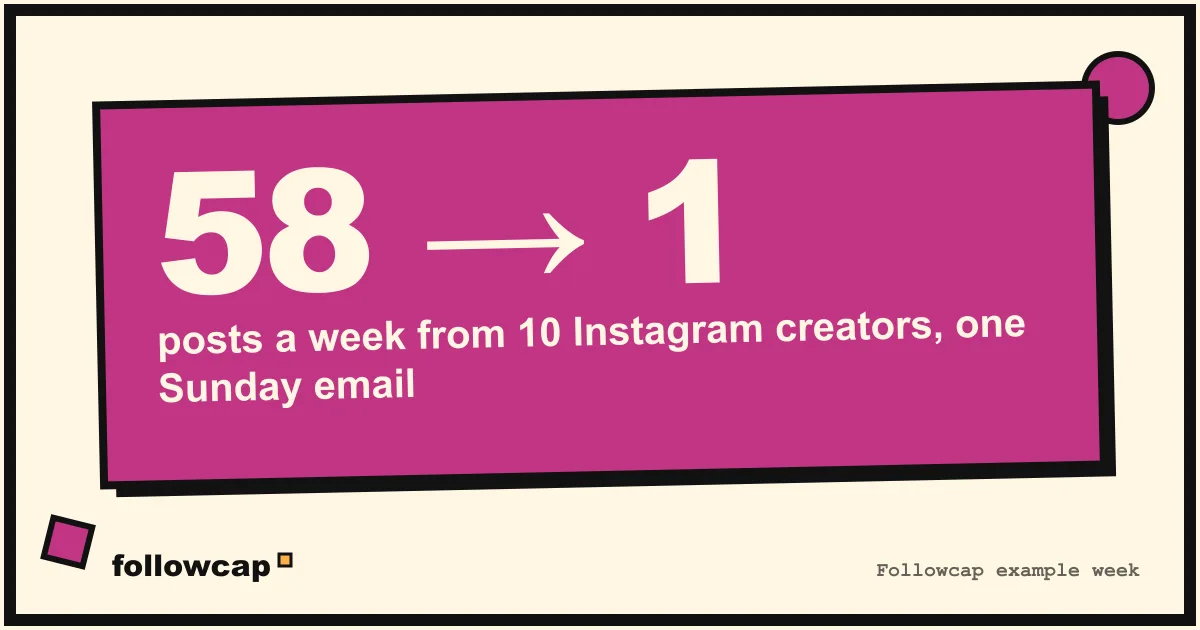
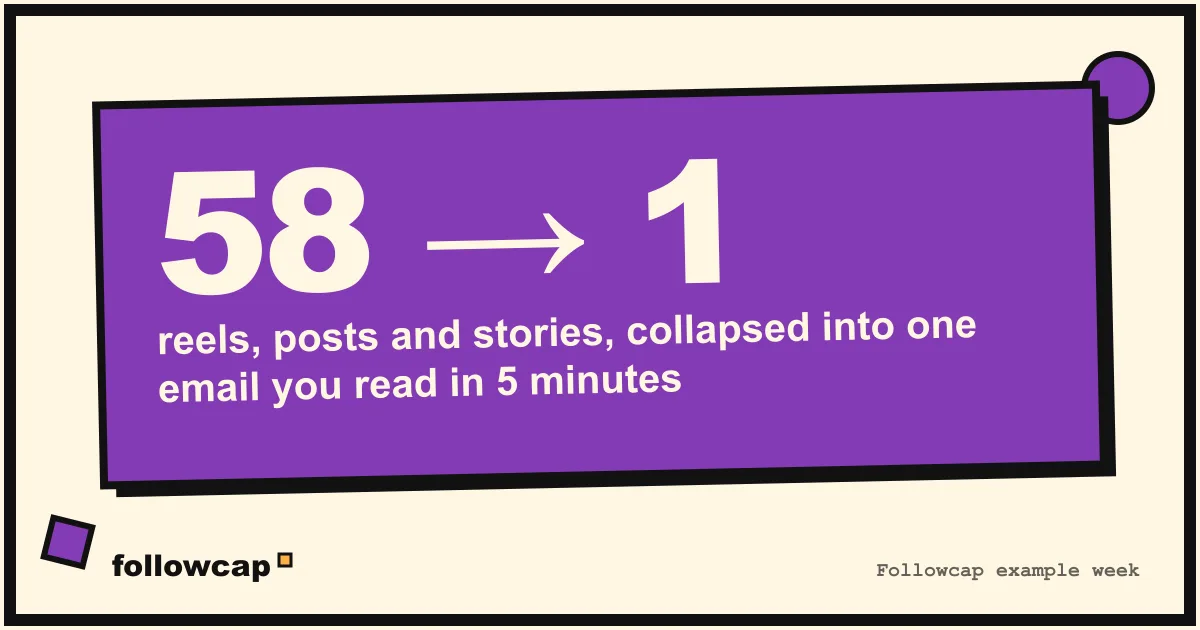
For scale: in our illustrative example, 10 creators post about 58 reels, posts and stories a week. Keeping up by scrolling takes roughly 12 hours. Reading the recap takes about 5 minutes.
Plans. Free follows up to 3 creators with no card. Premium is 9 euros a month for up to 10 creators and adds weekly numbers for every creator (posts, views, best post, follower growth) and a personal archive page with every recap. Business Pro is 29 euros for up to 50 creators and adds a monitoring dashboard with alerts, a comparison of your own account with your niche, content ideas, a hook library, brand radar and a monthly PDF report. Paid plans start with a 7-day trial; yearly billing is 10 months for 12.
The limits, honestly.
- Weekly, not real time. If someone posts on Monday, you read it on Sunday. If you need to know within the hour, use post notifications for that account; we explain how in how to get notified when someone posts on Instagram.
- Public accounts only. It covers public creator and business accounts. A private friend’s account is out of scope.
- Paid after the trial. It is a subscription, and if you only follow two accounts, their own newsletters may be enough.
You can see a sample recap at followcap.com or start free.
Option 3: What about RSS-to-email bridges?
The technical crowd’s answer to Instagram to email is usually “turn the profile into an RSS feed, then pipe the feed into email”. It sounds clean. In practice it is the least reliable of the three options.
Why it is fragile:
- Instagram has no official RSS feed. Every bridge is a third-party tool that reads the public profile page and reformats it. Instagram changes that page regularly, and each change breaks the bridge until someone fixes it.
- Login walls. Since 2023 Instagram increasingly requires a login to browse. A bridge that worked in a logged-out session stops working the day the login wall appears for its region or IP.
- Logged-in sessions and terms. Many bridges work around the wall by using a logged-in account. That means handing a tool your credentials or a session token, and it is the kind of automated access that Instagram’s terms prohibit. Accounts used this way can be restricted or banned.
We do not recommend a specific bridge or explain how to set one up, for all of the reasons above. If you are curious about why Instagram never offered RSS and what you can do instead, read Instagram RSS feed: does it exist?.
Instagram to email: which option fits you?
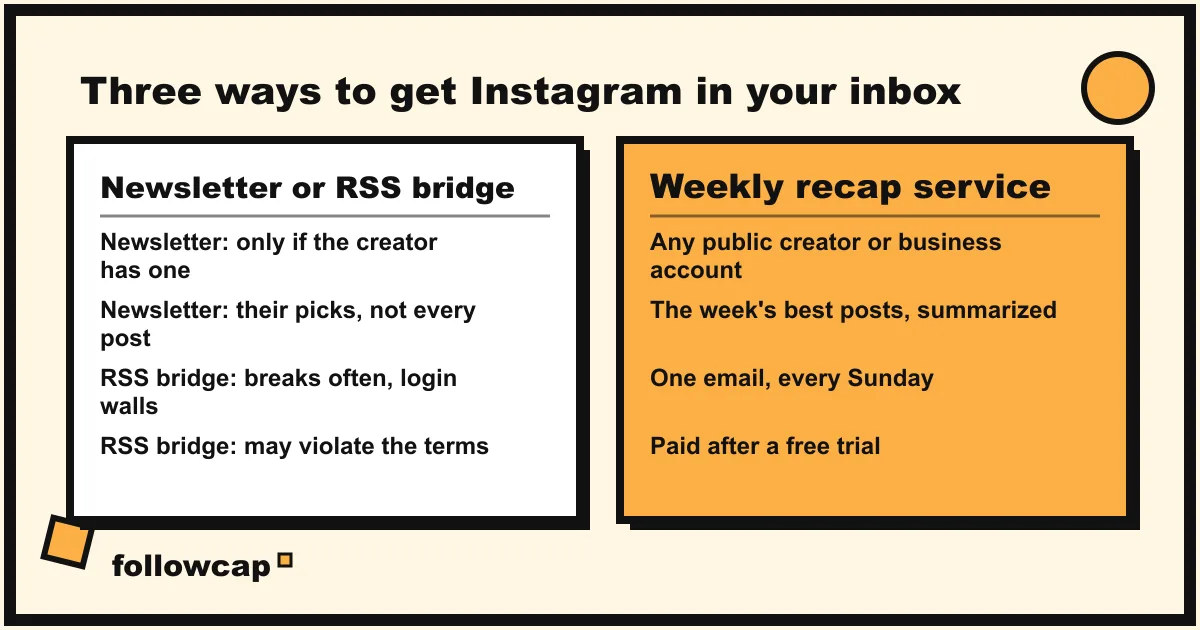
Here is the whole picture in one table.
| Creator’s newsletter | Weekly recap (Followcap) | RSS-to-email bridge | |
|---|---|---|---|
| Covers every post? | Rarely; the creator chooses | The best 3 per account by email, all of them in the paid archive | Only while the bridge works |
| Works for many accounts? | One list per creator | Up to 3, 10 or 50 in one email | Yes, but each feed can break separately |
| Timing | Creator’s schedule | Weekly, every Sunday | Depends on the bridge and your email service |
| Needs an Instagram login? | No | No, usernames only | Often yes, which is the risky part |
| Private accounts? | Yes, if they email you | No, public creator and business accounts only | No |
| Reliability | High, when it exists | High | Low: breaks with login walls and site changes |
| Cost | Usually free | Free for 3 creators; paid plans from 9 euros a month after a 7-day trial | Often free, plus your time fixing it |
| Within Instagram’s terms? | Yes | Yes, it reads public posts only | Frequently not |
The decision in one line: sign up for the newsletters of the two or three creators who run a good one, use a weekly recap for the full list, and skip the bridges unless you enjoy fixing them.
How do you set up an inbox that works?
Getting Instagram into your email is only half the job. If the emails land in a crowded inbox, you will skim them like you skimmed the feed. These four steps take ten minutes and are the same whether you use Gmail, Outlook or anything else.
- One folder, one label. Create a folder called “Creators” (or “Sunday reading”) and a filter that moves every newsletter and recap email into it, skipping the inbox. The emails are waiting for you, not interrupting you.
- One reading slot. Put a 20-minute block in your calendar, ideally Sunday morning or evening, and read the folder then. One slot a week matches a weekly recap exactly and turns five scattered newsletters into one session.
- Act, then archive. For each email, do one of three things: save a link to try something, note an idea, or archive it. Do not leave read emails sitting in the folder; a growing pile is the same guilt as an endless feed.
- Review the list monthly. Unsubscribe from any newsletter you archived unread three times. Remove any creator from your recap whose posts you skipped for a month. The goal is a short list you actually read.
Done this way, Instagram to email becomes a quiet, complete, weekly way to keep up with the people you chose. If you want the rest of your week to look the same, the ideas in how to stay up to date without social media and time management techniques pair well with it.
FAQ
Can Instagram email me when someone I follow posts?
No. As of 2026, Instagram’s email settings cover your own account, security alerts, activity summaries and product news. None of them include the posts of accounts you follow. For that you need the creator’s newsletter, a weekly recap service, or a third-party bridge.
Is there a free way to get Instagram posts by email?
Creator newsletters are usually free, and they are the best free option when the creator runs one. RSS-to-email bridges are often free too, but they break regularly and frequently depend on logged-in sessions that go against Instagram’s terms. A recap service such as Followcap is paid after a free trial.
Does a recap service need my Instagram password?
Followcap does not. You type the usernames of the public accounts you want, and that is the whole setup. Be cautious with any service that asks for your Instagram login to “connect” accounts you do not own; that is not required to read public posts and it puts your own account at risk.
Can I get a private account’s posts by email?
Only if the person sends them to you, for example through their own newsletter. A recap service works from public posts, so private accounts are out of scope, and a bridge would need a logged-in session that follows the account, which is exactly the risky setup to avoid.
How is a weekly email different from just checking the Favorites feed?
The Favorites feed is complete and chronological, but you have to open the app and remember to look, and the app reopens in the ranked feed every time. A weekly email comes to you, summarizes the week, and lets you read everything in one slot without opening Instagram.
Related reading
- How to Follow Instagram Accounts Without an Account (2026)
- How to Monitor an Instagram Account: Yours, a Brand’s or a Creator’s
- How to See Saved Posts on Instagram (and Organise Collections)
The bottom line
Instagram to email does not exist as a feature, so the answer is always a channel outside the app. A creator’s newsletter is the best free option when it exists, but it rarely covers every post and does not scale. RSS bridges promise automation and deliver breakage, often at the cost of your account’s safety. A weekly recap like Followcap is the option built for the actual job: the best posts from the public accounts you choose, summarized in one Sunday email, with the honest trade-off that it is weekly, public-only and paid after the trial. Pick the mix that fits, give it a folder and a reading slot, and let your inbox do what the feed never did.