8 Best Instagram Monitoring Tools in 2026 (Creators and Brands)
Instagram monitoring tools compared: 8 real options, from Instagram Insights to a weekly email recap, what each does, who it suits, and what no tool can show.
 Andrea Marino9 min read
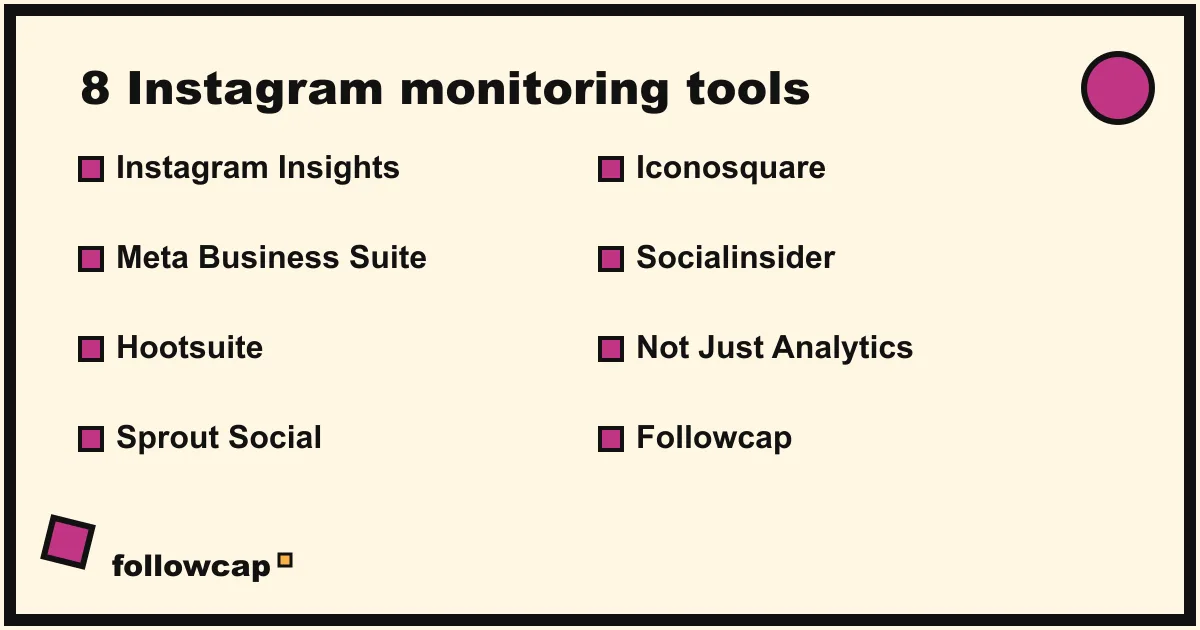
Instagram monitoring tools do two very different jobs that get mixed up all the time: measuring your own account, and keeping an eye on accounts you do not own. This comparison covers eight real tools, from the free analytics built into Instagram to full social media suites, plus our own weekly recap email, and says which does which job.
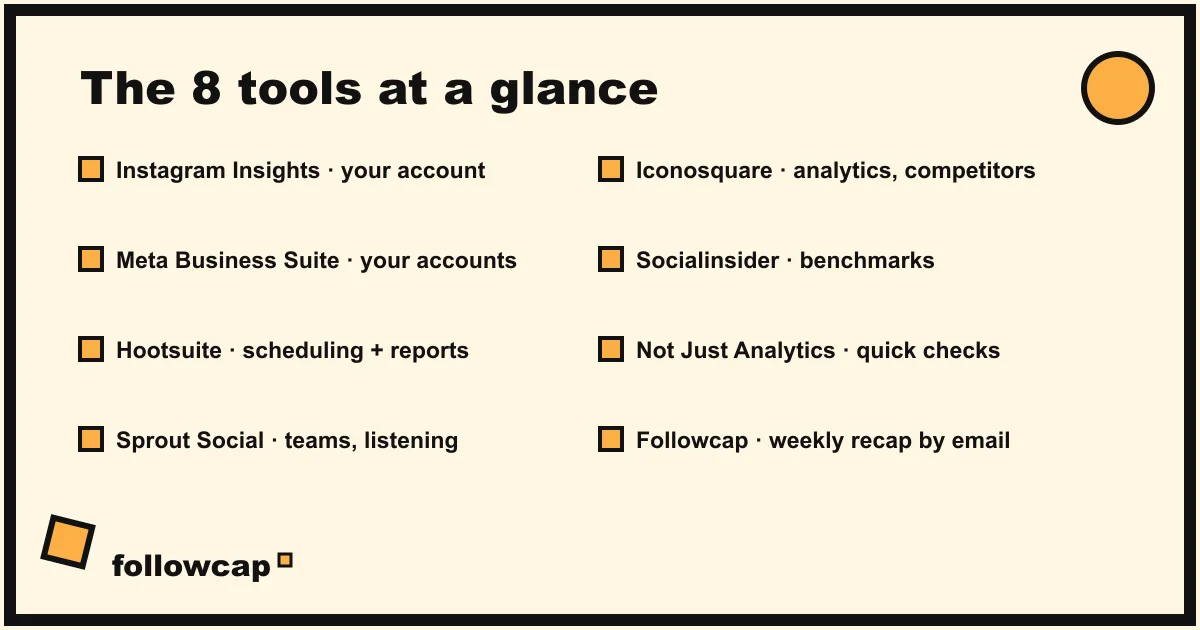
Quick answer: For your own account, start with Instagram Insights or Meta Business Suite, both free. For competitor tracking on a dashboard, look at Sprout Social, Hootsuite, Iconosquare or Socialinsider. For a quick public-profile check, Not Just Analytics. For simply keeping up with chosen public accounts by email, once a week, there is Followcap, which is our product.
What does an Instagram monitoring tool actually do?
“Monitoring” covers three needs, and most tools only serve one or two of them well.
- Own-account analytics. How your posts perform: views, reach, interactions, follower growth, audience demographics. Only you, or a tool you authorize, can see it.
- Competitor and creator tracking. What other public accounts post, how often, and how their public numbers move: followers, posts, likes when shown, comments, and reel views. No permission needed, but the data is thinner than on your own account.
- Keeping up. Not measuring anything, just seeing what a set of accounts published this week without scrolling the ranked feed. Most dashboards ignore this, because it is a reading problem, not a reporting problem.
Decide which of the three you have first. It cuts the list in half.
The 8 best Instagram monitoring tools in 2026
Descriptions are short on purpose and only cover what each tool is known for. Features and plans change, so check each product page before you commit.
1. Instagram Insights
Best for: anyone who wants to measure their own account for free.
What it does: built into the Instagram app for professional accounts (business or creator). It shows reach, views, interactions, follower growth and audience details, plus per-post and per-reel numbers.
What to know: your own account only, inside the app, with a limited time window, so you cannot build long-term history unless you note numbers down yourself.
2. Meta Business Suite
Best for: small businesses managing a Facebook Page and an Instagram account together.
What it does: Meta’s free management tool, on desktop and mobile. It combines a planner for scheduling posts, a shared inbox, and insights for your own Facebook and Instagram accounts in one place.
What to know: like Insights, it covers accounts you own or manage. It is not a competitor tracker.
3. Hootsuite
Best for: teams managing several social networks who want scheduling, inbox and reporting in one suite.
What it does: one of the oldest social media management platforms. It schedules posts across networks, centralizes messages and produces analytics reports, with listening and benchmarking features that vary by plan.
What to know: paid plans, aimed at teams. Competitor views are one feature inside a much larger product.
4. Sprout Social
Best for: mid-size and larger brands that need reporting and collaboration across a team.
What it does: publishing, engagement, analytics and listening across the main networks, with reports built for sharing with clients or managers, and Instagram competitor reporting based on public data.
What to know: paid plans at the higher end of the market. Strong if you report to stakeholders monthly; oversized for a solo creator.
5. Iconosquare
Best for: creators and agencies who want Instagram-centered analytics with a clean interface.
What it does: Iconosquare started as an Instagram analytics tool and still leans that way: analytics for your connected accounts, scheduling, and competitor benchmarking on public accounts.
What to know: paid plans. Competitor data is limited to what is public.
6. Socialinsider
Best for: marketers who want competitor and industry benchmarking across several platforms.
What it does: analytics and benchmarks: it compares public accounts on metrics like posting frequency and engagement, and publishes industry benchmark studies of its own.
What to know: paid plans, built around comparison rather than publishing. Good for “how do we compare”, less useful for “what did they post this week”.
7. Not Just Analytics
Best for: a fast check of any public Instagram profile.
What it does: type a public username and see its public numbers and an estimated engagement rate. Popular with creators and small agencies for a quick check before a collaboration.
What to know: a free version with limits and paid plans. A lookup tool, not a weekly feed of what an account published.
8. Followcap (our product)
Best for: people who want to keep up with 5 to 20 public creators without the app, and optionally track their numbers.
What it does: Followcap is our service, so read this entry as the maker’s description. You type the usernames of public creator or business accounts, with no Instagram login or password, and every Sunday you get one email: a 30-second summary of their week, the 3 posts not to miss, a 2 to 3 line recap of the best posts from each account with their links, and a short “what you can apply this week”. Premium adds weekly numbers for every account (posts, likes, comments, best post, follower growth) and a personal archive page. Business Pro adds “you vs your niche”, weekly content ideas, a hook library, brand radar, a monthly PDF report and 3 team users.
What to know: it is weekly, not real-time, and an email, not a dashboard. Public accounts only, and it cannot see reach, saves, shares or demographics on other people’s accounts. Three creators are free with no card; Premium is €9 a month (up to 10 creators) and Business Pro €29 (up to 50), each after a 7-day free trial. If you need to publish, reply to comments or measure your own reach, it is the wrong tool.
How to choose an Instagram monitoring tool by need
If you want analytics on your own account
Start free: Instagram Insights for the numbers, Meta Business Suite if you also manage a Facebook Page or schedule from a desktop. Move to a paid suite only when you need longer history, reports to share, or several accounts under one login.
If you want to track competitors or creators
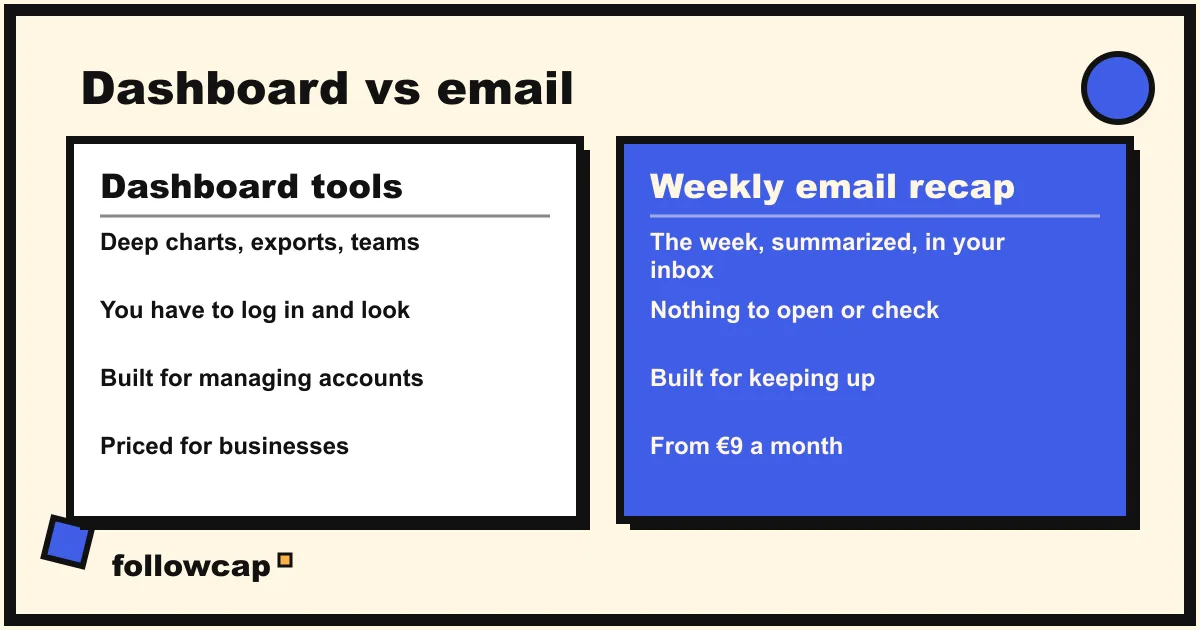
Decide between a dashboard and an email. A dashboard (Sprout Social, Hootsuite, Iconosquare, Socialinsider) is better when you need charts, exports and side-by-side comparisons on demand. An email (Followcap Premium or Business Pro) is better when you want the same public numbers once a week, with the actual posts, and no extra tab to check. Either way, read our 30-minute weekly competitor analysis routine first, because the routine matters more than the tool.
If you just want to keep up
If the honest need is “I do not want to scroll, but I do not want to miss what these people post”, a reporting suite will frustrate you. Use Instagram’s Favorites feed (up to 50 accounts, chronological, reached by tapping the Instagram logo at the top left; it resets to the ranked feed when you reopen the app), a weekly recap like Followcap, or the creators’ newsletters. More on this pull-based approach in how to stay up to date without social media.
Instagram monitoring tools compared
| Tool | Best for | Competitor tracking? | Delivery |
|---|---|---|---|
| Instagram Insights | Your own account, free | No | In-app dashboard |
| Meta Business Suite | Own Facebook and Instagram accounts | No | Dashboard (web and app) |
| Hootsuite | Multi-network teams | Yes, plan dependent | Dashboard |
| Sprout Social | Mid-size and large brands | Yes, public data | Dashboard |
| Iconosquare | Instagram-focused analytics | Yes, public data | Dashboard |
| Socialinsider | Benchmarking and industry studies | Yes, public data | Dashboard |
| Not Just Analytics | Quick public profile checks | Yes, per lookup | Web lookup |
| Followcap (ours) | Keeping up with chosen public creators | Yes, on Premium and Business Pro | Weekly email |
What no Instagram monitoring tool can show you
Every tool in this list, ours included, works from two sources: your own account’s data, with your permission, and public data on other accounts. Public data on another account, as of 2026, is limited to:
- Follower count and number of posts
- Likes on each public post, when the account chooses to show them
- Comments on each public post
- Views on reels
That is it. On other people’s accounts, no tool can legitimately show you reach, saves, shares, watch time or audience demographics, because Instagram exposes those only to the account owner. If a tool claims otherwise, it is estimating or collecting data in a way that breaks Instagram’s terms, which is a risk to you as well. Tools built on scraping or logged-in bot sessions also break without warning, and the accounts used for them get restricted.
Keep this in mind when you compare engagement rates. The public version, likes plus comments divided by followers, is a useful proxy, not the full picture. We explain the formulas and benchmark ranges in our guide to Instagram engagement rate.
A monitoring routine that takes 30 minutes a week
Whatever tool you pick, it only pays off with a routine. Ours, as a small team watching a handful of accounts in our niche: one fixed 30-minute Sunday slot, six numbers per account (posts this week, format mix, top post by views, average likes and comments, follower change, outliers at 2 to 3 times the average), the top three posts read, and three written ideas at the end. If you cannot name one thing you will do differently, the session was wasted.
If protecting that slot is the hard part, the time management techniques we use for everything else apply here too: a fixed block, one task, phone in another room.
FAQ
Can I monitor an Instagram account without them knowing?
Looking at public numbers (followers, posts, likes, comments, reel views) is anonymous; the owner cannot see who viewed their profile or posts, and tools that work from public data do not notify them. Story views are the exception: watch a story while logged in and your account appears in the viewer list.
Are free Instagram monitoring tools good enough?
For your own account, yes: Instagram Insights and Meta Business Suite cover most of what a creator or small business needs. For tracking other accounts over time, free means one-off lookups or a spreadsheet and 30 minutes a week.
Can any tool show me a competitor’s reach or saves?
No. Reach, saves, shares, watch time and audience demographics are only visible to the account owner. Any tool showing those numbers for an account you do not own is estimating.
Do these tools require my Instagram password?
Tools that analyze your own account need you to connect it through Meta’s official login flow. Tools that only read public accounts should not need your login. Followcap never asks for an Instagram login or password; you type the usernames.
Related reading
- Instagram Engagement Tracker: Likes and Comments on Any Public Account
- Social Media Reporting Tools: 9 Options for Clients and Teams (2026)
- Best Time to Post on Instagram in 2026 (and How to Find Yours)
The bottom line
The best Instagram monitoring tool depends on whose account you are watching and what you will do with the data. Measure your own account with Instagram Insights or Meta Business Suite, both free. Track competitors on a dashboard with Sprout Social, Hootsuite, Iconosquare or Socialinsider, or check a profile quickly with Not Just Analytics. If what you really want is to keep up with a set of public creators without the feed, and see their public numbers once a week, start a free Followcap trial: one email every Sunday, no Instagram login, cancel in one click. It is our product, weekly rather than real-time, and public accounts only, so pick it for that job alone.